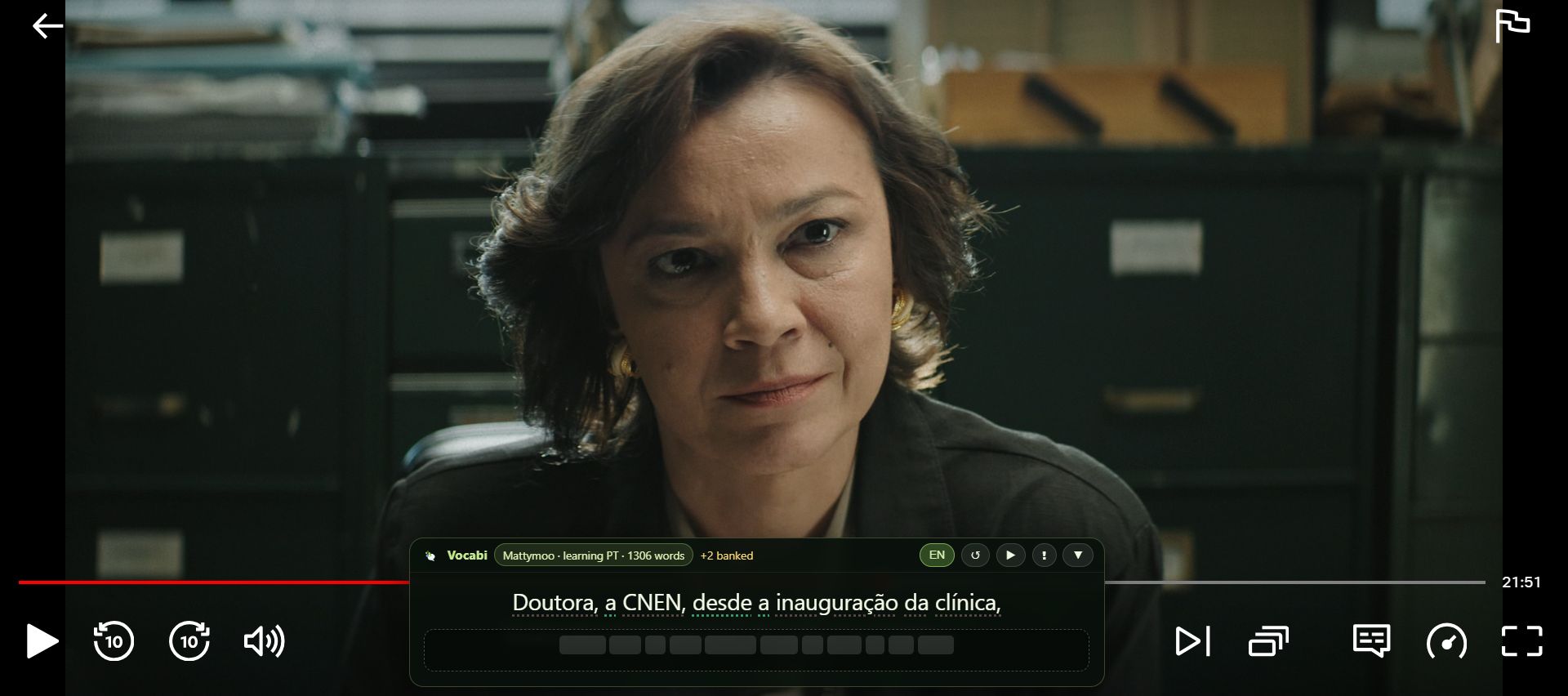
How word scraping works
You watch as usual. The extension puts the subtitles in a small panel over the player, and you choose which words to keep.
- 1
Play something with subtitles
Pick a show or video that has subtitles in the language you're learning. The extension reads that subtitle track and shows each line in its panel.
- 2
Tap a word you don't know
The video pauses and the meaning appears. Each tap also uncovers part of the translation under the line, or you can switch it on from the start in Settings. Green underlines mark words already in your deck.
- 3
Press + to keep it
The word goes straight into your Vocabi deck, under the language you're studying. Names are labelled as names, so they stay out of your vocabulary.
- 4
Practise it later
Open the Vocabi app on your Android phone and the words are there, ready to practise.
From the show to your phone
The extension collects the words. The Vocabi app for Android is where you learn them, with word games that use your deck.
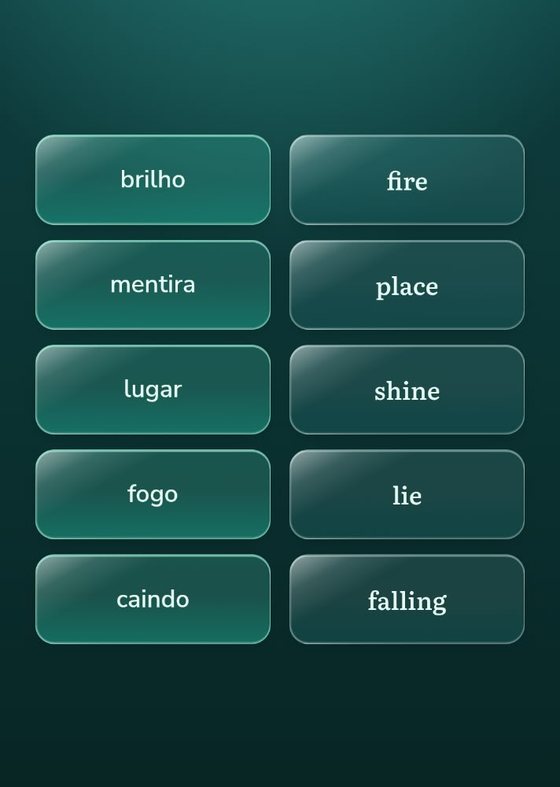 MatchyPair words and meanings.
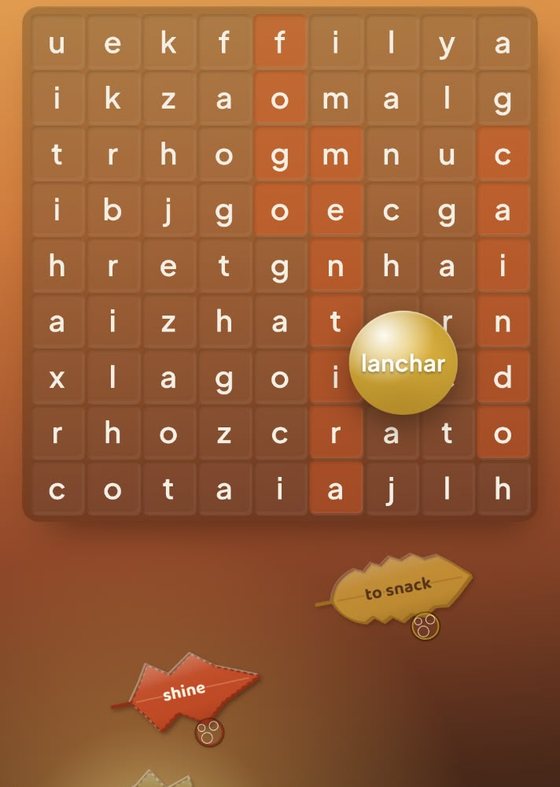 Word SearchTrace hidden words.
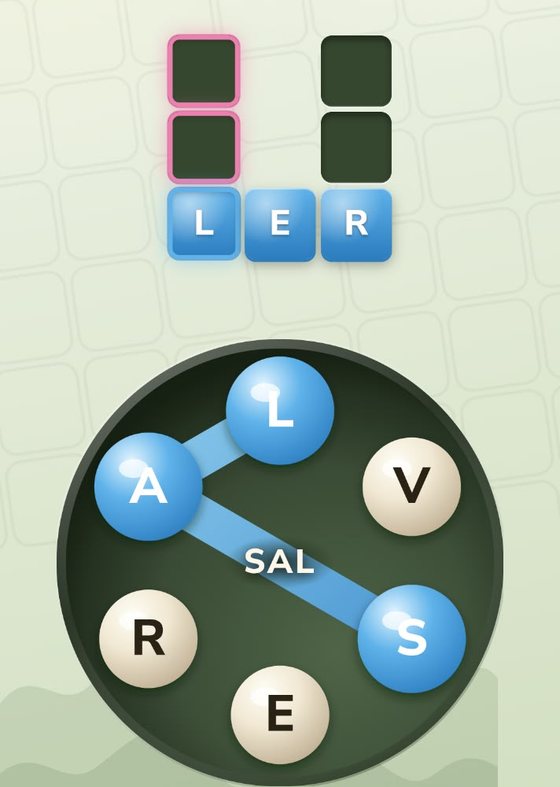 CrosswordSpell from a ring of letters.
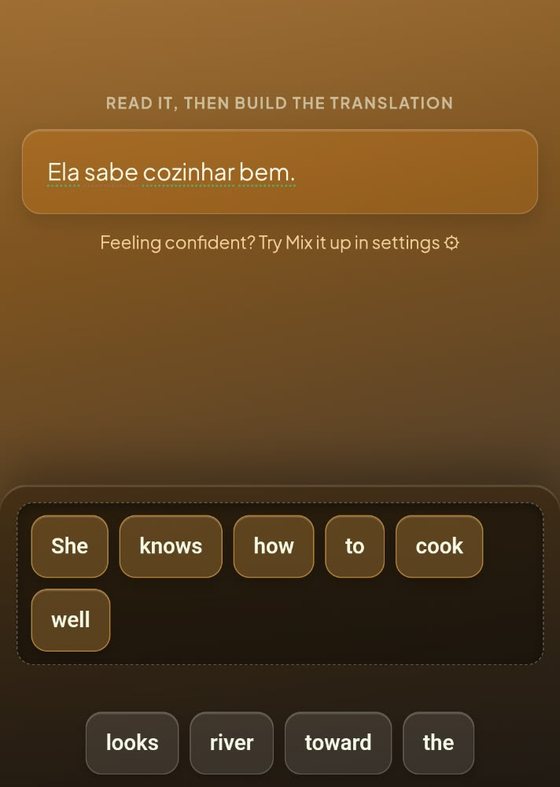 Word BlocksBuild the translation.
Where it works
Netflix
Shows and films with subtitles in the language you're learning.
YouTube
Videos with captions in the language you're learning.
Angel
Series and films with subtitles in the language you're learning.
More apps are being added.
Where to get it
The extension is still in development, and it's being tried by a small group of testers. Its Chrome Web Store page opens only for Google accounts in that group, so sign up and we'll add you, then email you the install link.
- Chrome on a computer. It doesn't run on phones.
- A Vocabi account. Get Vocabi on Google Play and create your account in the app. Then press Sign in on the extension's panel and use the same account.
- The Google account you use in Chrome. That's the one we add to the group.
You're on the list
We've emailed . Your install link follows in a few hours, once Google has added you to the group.
Expect some rough edges. You can report a problem from the panel with the ! button, and a wrong meaning with the flag on the word. See what the extension reads and stores.